Motors Clinic
A hands-on tech club session where you learn to program a BBC Micro:bit to control electric motors.
Getting Started
In this module, you will unpack your motors kit, identify all the components, and set up your Micro:bit microcontroller. By the end, you will have a working Micro:bit connected to your computer and will have successfully downloaded and run your first program.
Signals and Power
In this module, you will learn how electrical signals control motors. You will write a program that generates a signal on the Micro:bit, connect a breakout board for extra power, and use an oscilloscope to see the signal in action. By the end, you will understand voltage, duty cycle, and PWM (Pulse Width Modulation), which are the foundation for all motor control.
Brushed Motors
In this module you will learn how brushed DC motors work and how to control them using an H-Bridge driver board. You will wire the driver to your Micro:bit, write programs to control motor direction with buttons, and experiment with variable speed using PWM signals.
Hobby Servos
In this module you will learn how hobby servos work and how to control them with your Micro:bit. You will wire a servo to the breakout board, install the MakeCode servo extension, and write programs that sweep the servo through its range of motion.
Stepper Motors
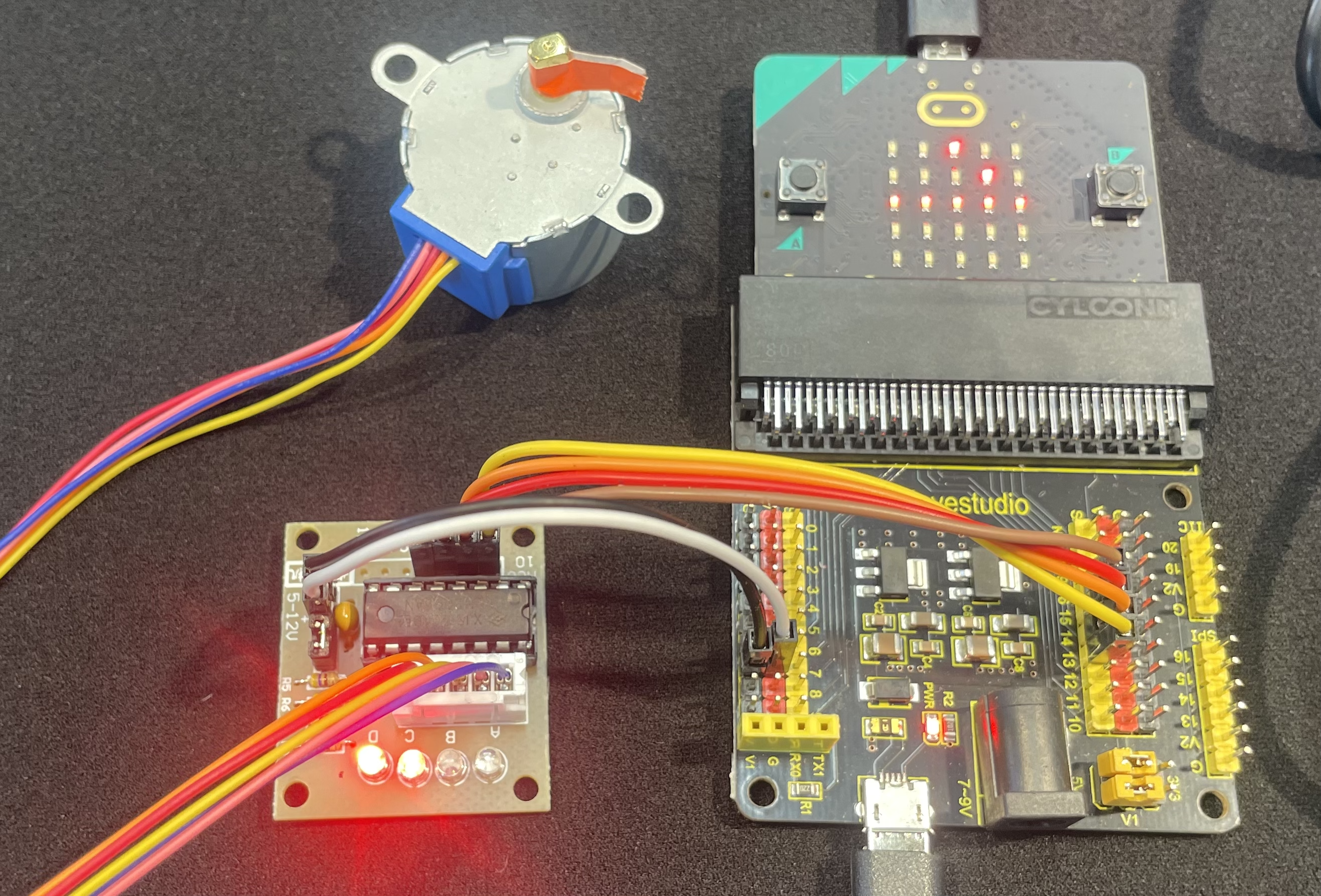
In this module, students explore stepper motors — a type of motor that moves in precise, discrete steps rather than spinning continuously. Students wire a 28BYJ-48 stepper motor with a ULN2003 driver board, program it using MakeCode, and investigate how coil sequencing controls motor movement.
Wrap-Up
In this final module, students review and compare all three motor types explored in this course — brushed DC motors, hobby servos, and stepper motors — and discuss when to use each one.