Open Your Eyes BatBot
Actually, we should call this lesson “Open Your Ears” because we are going to use the cute “eyes” on the front of your robot, but these eyes are actually ears.
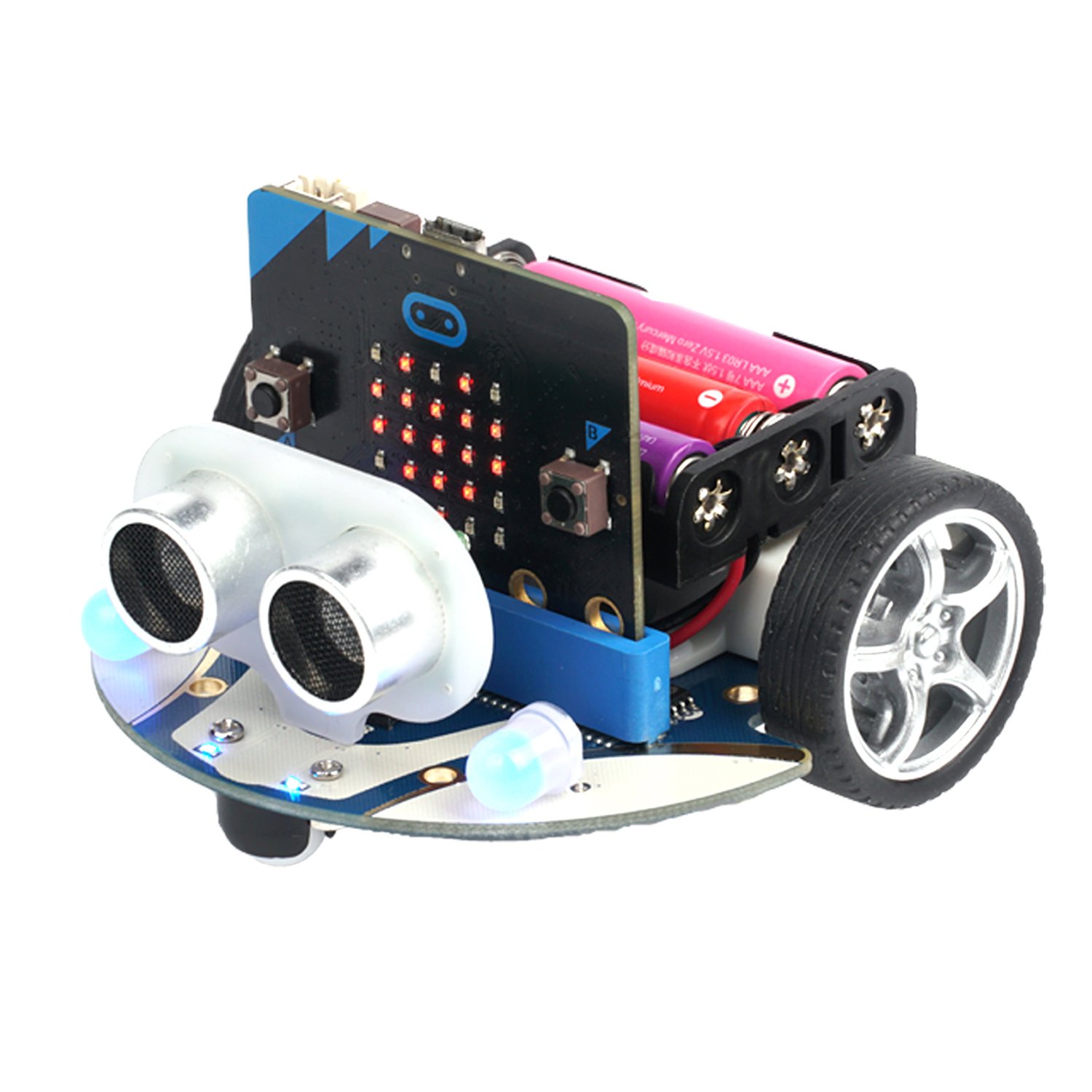
The two cylinders in the front of the Cutebot that look like eyes are a sonar module. One of the cylinders will emit a high-pitched sound, like a bat, and the other will listen for it. The time it takes for the sound to return lets the robot know how far away things are. You can read more of the details about how this module works.
Test Program
First, create a new project and load in the Cutebot extension.
- Click on the Micro:Bit logo to go back to the main page
- Click on the “+ New Project” button to start a new project. Let’s call the program “BatBot”.
- In your new project, click on the “Extensions” button.
- Select the Cutebot extension.
Enter and download this program:

Move your hand in front of the sonar module. What do you see?
Don’t bump into things
Use the sonar to make the Cutebot avoid running into things.
Use an if statement to check if the sonar reading is less than 10 or 15 cm. You will need to use two blocks from the “Logic” category, one from the “Conditionals” group and one from the “Comparison” group.
To make Cutebot avoid hitting things, you could have it stop, or back up and turn before going forward again.
Use your headlamps
Turn on the large LEDs in the front of the Cutebot and set their colors depending on what the robot is doing. For instance, maybe have one color for turning, and another for backing up or going forward.
Make some noise
Try adding sounds to things that the Cutebot is doing.
- Play a song when it finds a wall
- Play a song when it is backing up
- Play a tone depending on how far the wall is away.
map in the Math category and ring tone
from the Music category.Be unpredictable
Use Math → pick random or pick random True or False to make the Cutebot
turn either right or left when it is avoiding a wall.
Be even more unpredictable
Think of other crazy things you can make your Cutebot do.